A private WardenCam alternative that runs on your current phone
Credit where it's due: WardenCam was one of the first apps to turn a spare phone into a home camera. And unlike a lot of its rivals, it lets you pay once instead of forcing a subscription. That's worth saying plainly.
But when I actually tried to use it on my own phones, I ran into friction I didn't expect. This page is an honest account of what I found, and how Farscope is built differently.
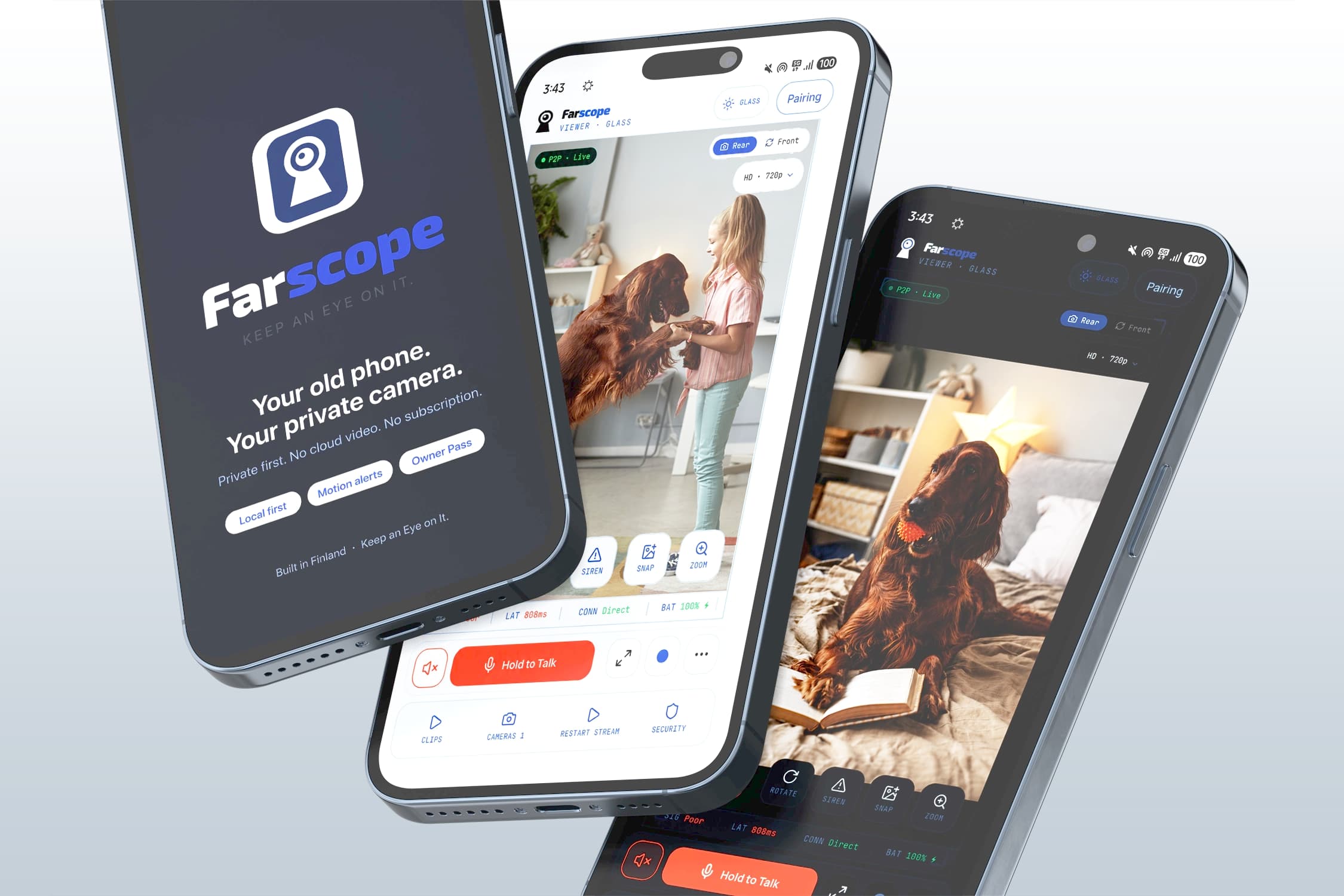
Works on the phone you already have
When I tried to set up WardenCam as a viewer on a Samsung S23 Ultra, Google Play told me the app was “made for an older version of Android” and wouldn't install cleanly. The current Google Play listing says WardenCam was last updated on June 17, 2023. That does not mean it fails on every modern phone, but it matches the compatibility friction I saw. Farscope is built for current Android phones.
No account on either phone
WardenCam made me sign into a Google account on bothphones before anything worked. Farscope doesn't. You pair the two phones with a QR code. Nothing to sign up for, no login tying your cameras to a profile.
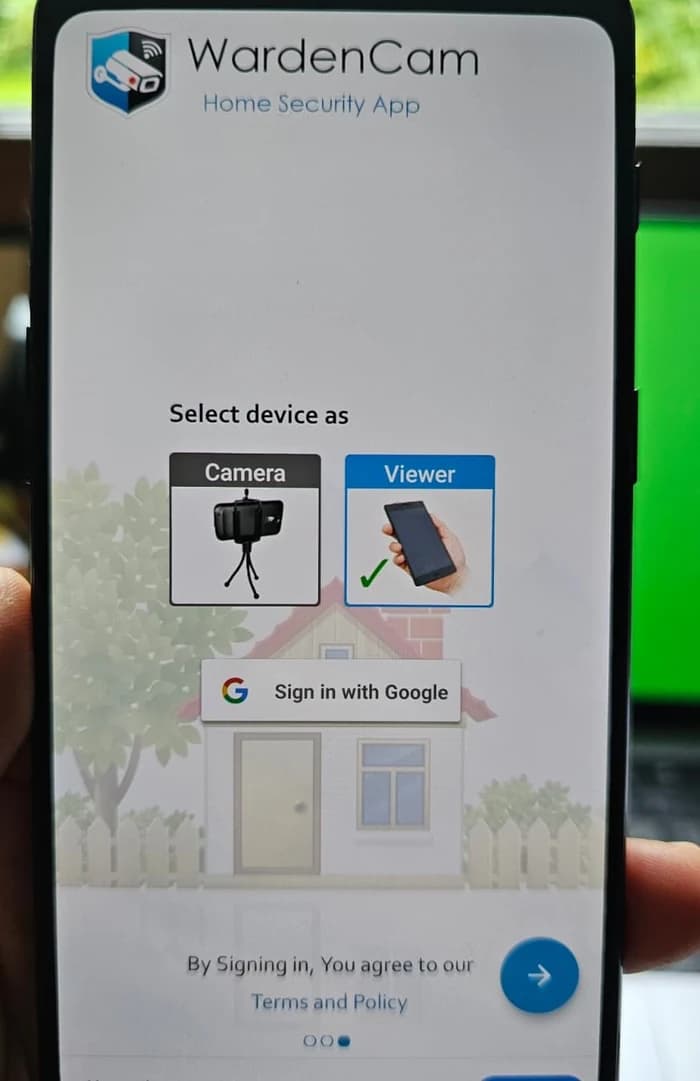
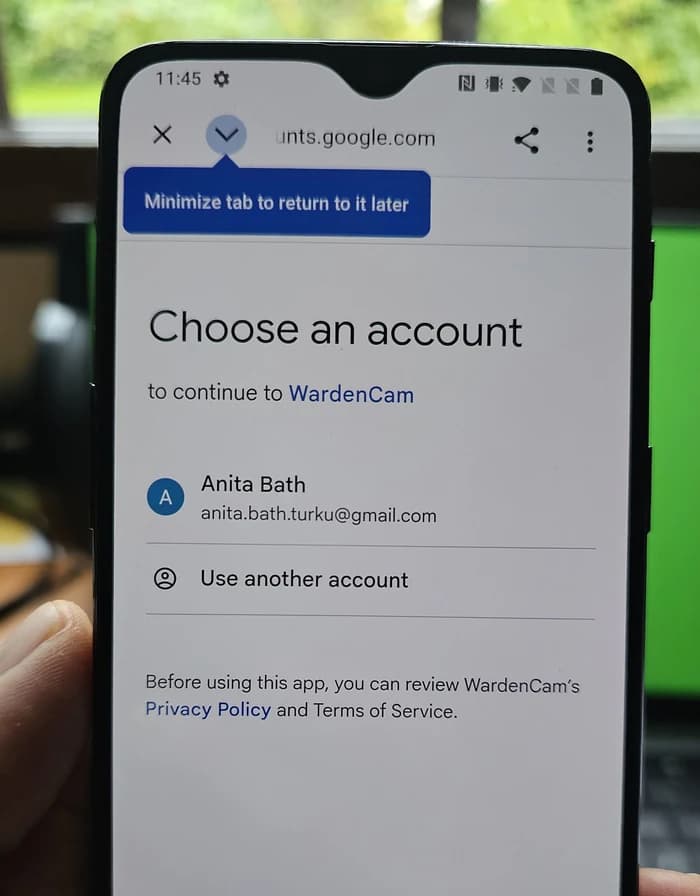
No ads on your live feed
On the free tier, I watched banner ads sit right on top of the live picture, and streams that took their time to load. Farscope shows you your camera. That's it. No ads over the footage of your own home.
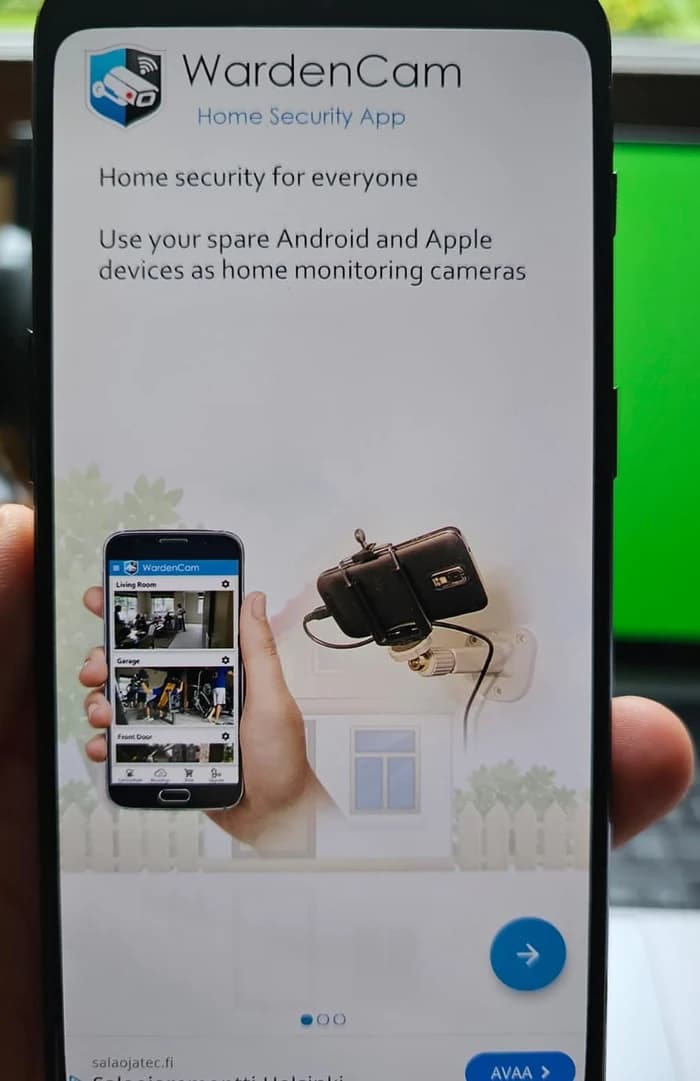
Your camera stays available
In my test, WardenCam showed a session countdown and a “Camera Hours left” counter; mine showed 48 hours. Its user manual also describes free-trial camera hours and says the paid upgrade removes the camera-hour limit. Farscope does not meter local camera use. Its remote trial provides 75 cumulative remote minutes to use within 30 days, starting with the first confirmed remote session. After that, Owner Pass keeps remote access available permanently for the Group.
Your Drive or Dropbox versus the camera phone
WardenCam's current Google Play listing is clear about its storage model: recordings go to your own Google Drive or Dropbox, not to WardenCam's servers. That is an important distinction, and it is better than claiming WardenCam hosts the footage itself. Farscope takes a different approach. Recordings stay on the camera phone, so cloud storage is not part of the recording path.
Live viewing works a bit differently, and I'll be straight about it. Farscope connects your two phones directly whenever it can. When it can't, it falls back to an encrypted relay that carries the live picture so you can still see your camera. But the relay only passes the video through. It never stores it. Either way, your recorded footage stays on your phone.
WardenCam vs Farscope, side by side
Current WardenCam facts checked against its Google Play listing and user manual on September 24, 2026. Compatibility, ads and camera-hour observations are also based on my own hands-on testing on a Samsung S23 Ultra and a OnePlus device.
Setup, compared
- 1. Open the app, tap through intro screens
- 2. Choose Camera or Viewer
- 3. Sign in with a Google account
- 4. Grant account access
- 5. Wait for the feed to load
- 1. Download Farscope on both phones
- 2. Your main phone shows a QR code
- 3. Your old camera phone scans it
- 4. Both phones are ready. No account.
Questions people ask
Is Farscope really a WardenCam alternative?
Does WardenCam cost money?
Where does WardenCam store recordings?
Does Farscope video ever pass through a server?
Do I need a Google account for Farscope?
Also comparing options? See how Farscope stacks up against Alfred Camera.
Try a private home camera instead
Farscope turns your old phone into a private home camera. Local use is free, recordings stay on the camera phone, there are no ads, and permanent remote access uses a one-time Owner Pass. Join the early access waitlist.
Join Early Access