A private Alfred Camera alternative with local storage and no recurring subscription
Alfred Camera is one of the biggest names in this space. It is polished, widely used, and has a mature feature set. This comparison gives it credit for that, while focusing on the places where Farscope takes a different approach.
I tested Alfred on my own phones. Here's what I ran into, and how Farscope is built differently.
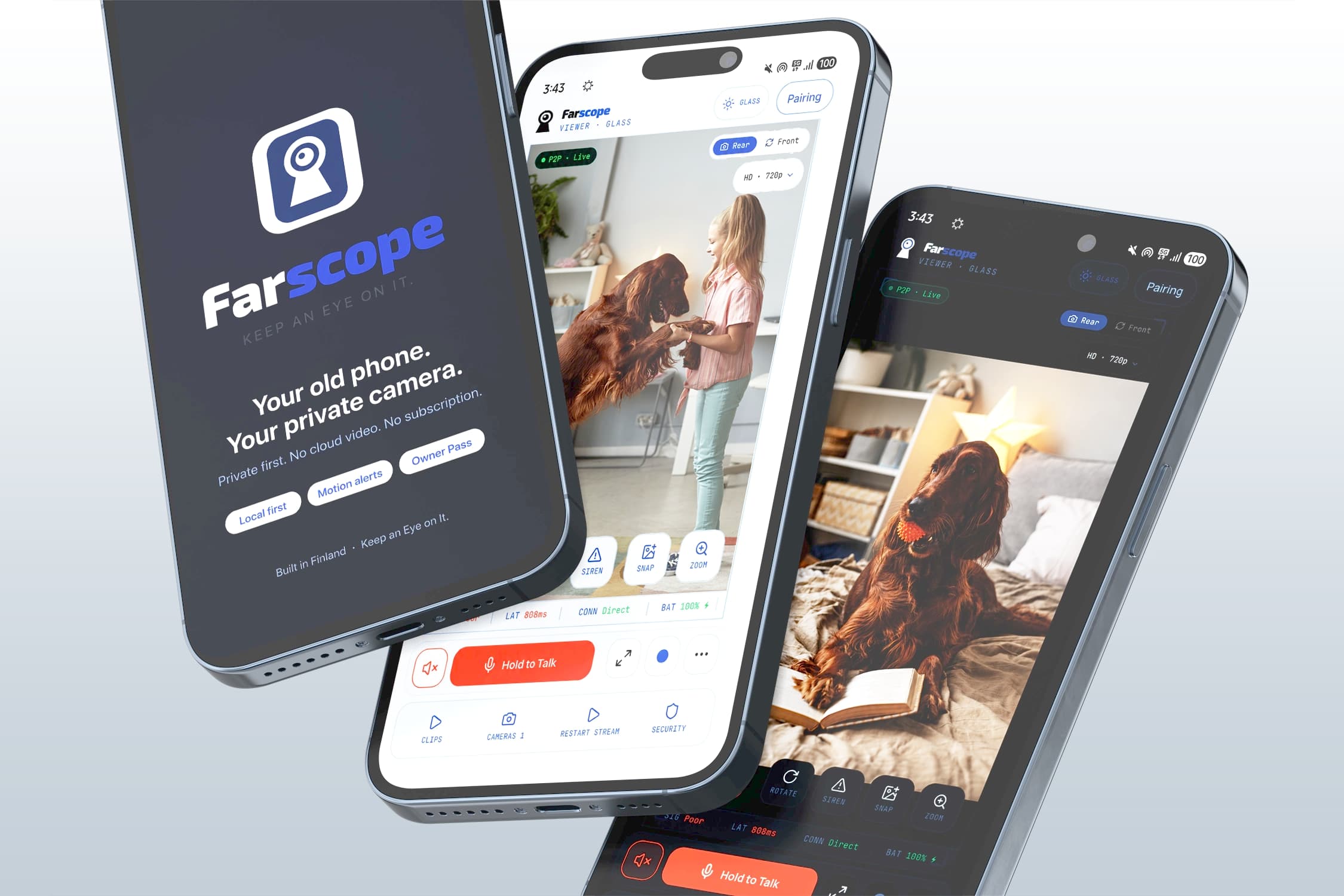
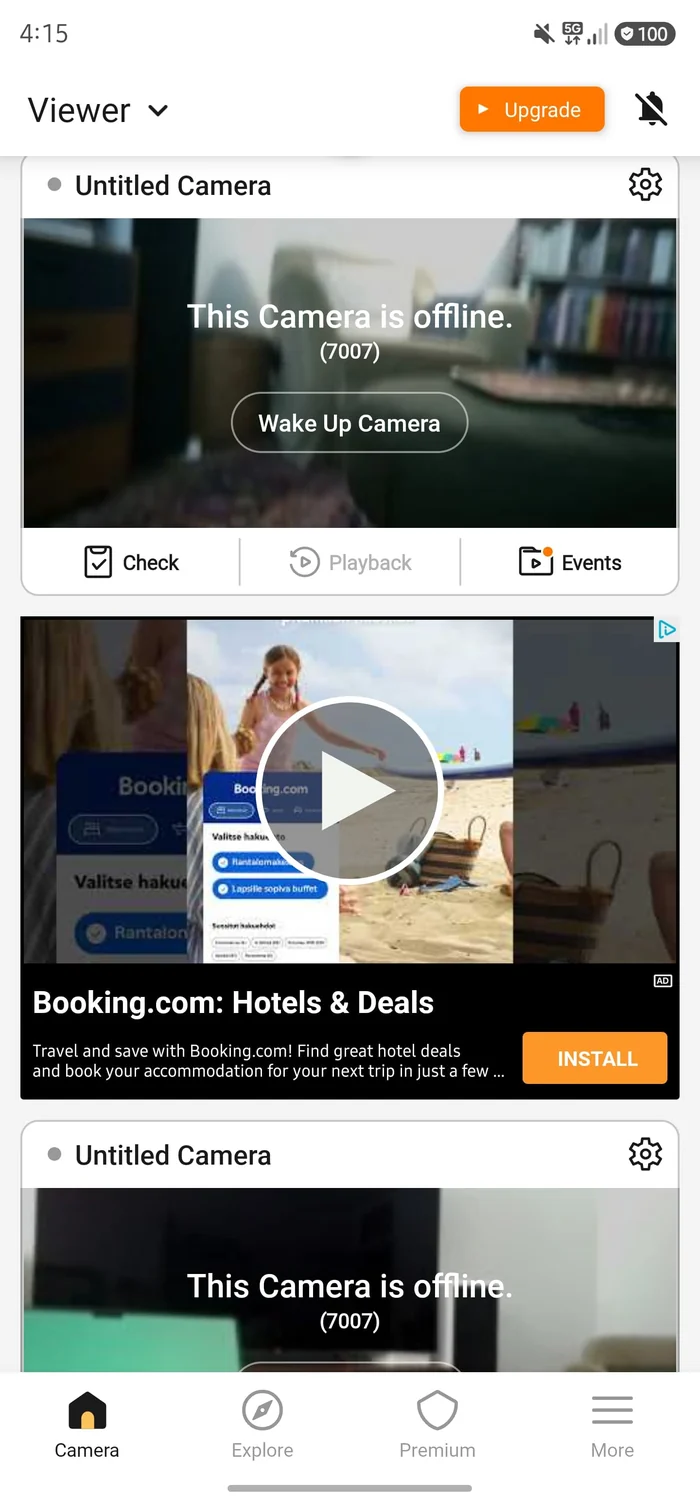
Ads on the feed you're trying to watch
In my own free-tier test, Alfred put advertising into the viewing experience. Alfred's current Premium documentation also lists an ad-free interface as a paid benefit. When the point is a quick look at your home, I prefer the camera view to stay focused on the camera. Farscope runs no ads during free local use or with Owner Pass.
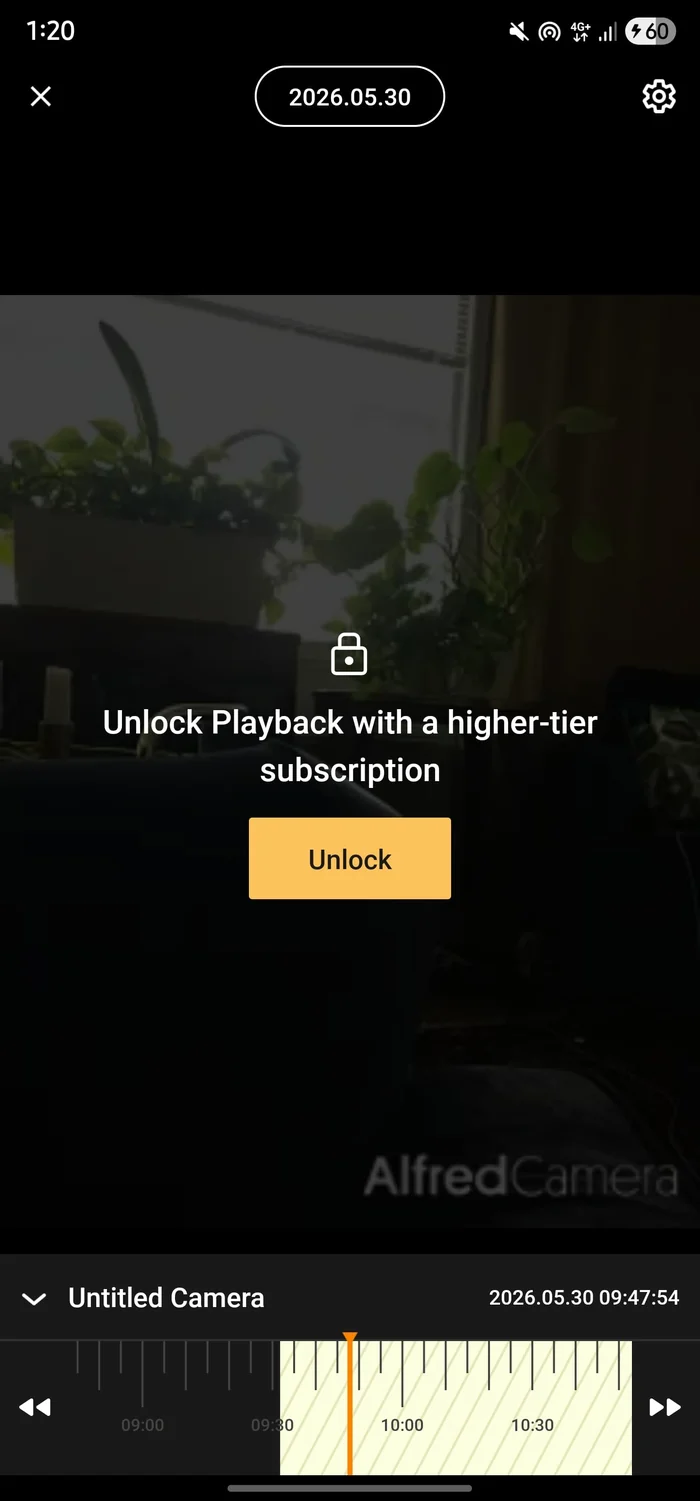
The features you actually want are behind a paywall
Alfred's current Premium documentation puts HD viewing, 4x zoom, an ad-free interface, extended cloud storage and additional detection features in paid plans. Alfred also says in-app Event and Playback viewing requires Premium for newer accounts, although free users can still download Events. My own test showed the “Unlock Playback with a higher-tier subscription” screen. Farscope uses Owner Pass for permanent remote access, not as a toll gate on basic local features.
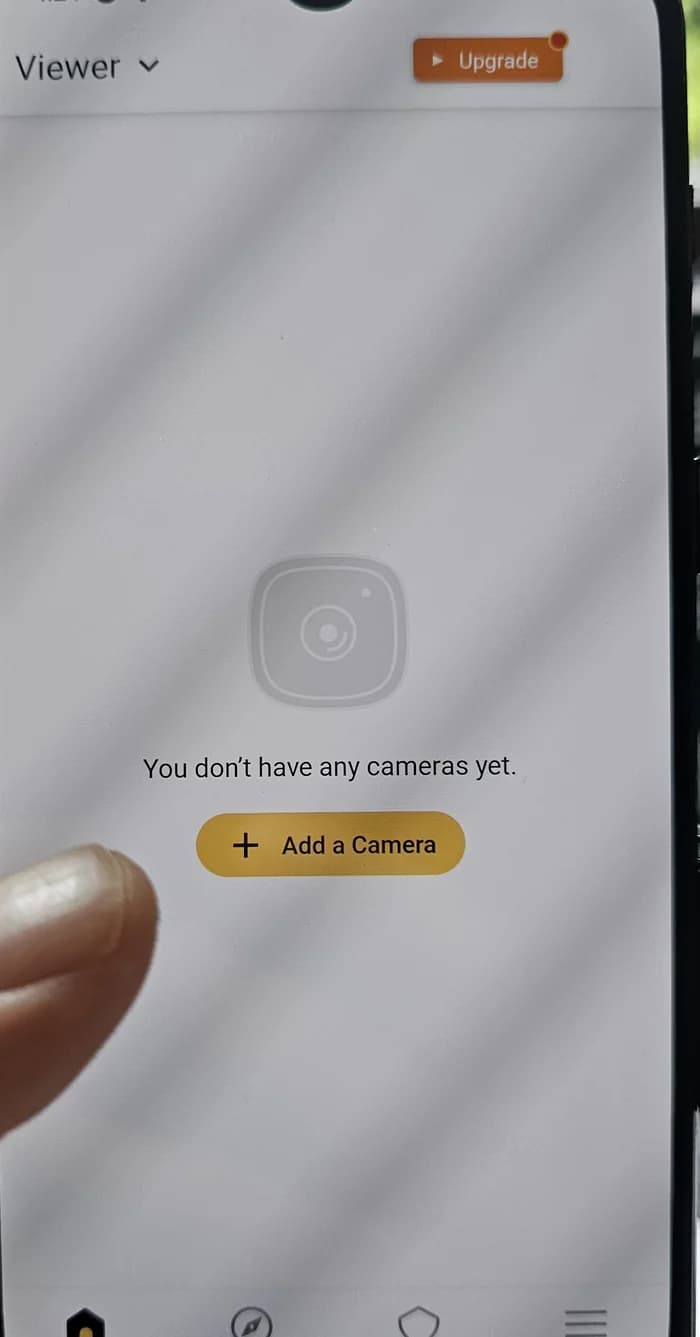
Local and cloud storage work differently
In my own Alfred test, I found older family Event thumbnails still available in the app. Alfred's current plan page now distinguishes storage by tier: Free Event storage is local, Premium Standard adds up to 14 days of cloud Event storage, and Premium Plus adds up to 30 days. Farscope takes a simpler storage position. Recordings stay on the camera phone, and Farscope does not use cloud video storage for them.
Alfred now has a guest mode. Farscope stays accountless.
When I tested Alfred, I was presented with its Google, Apple or email login flow. Alfred now documents a Guest Access Mode that lets people use core features without creating an account; guest users receive a unique User ID, while registering unlocks additional features such as role switching and Trust Circle. Farscope does not require a Farscope account at all. Pairing uses a QR code and the product is built around device and Group credentials instead of a normal user login.
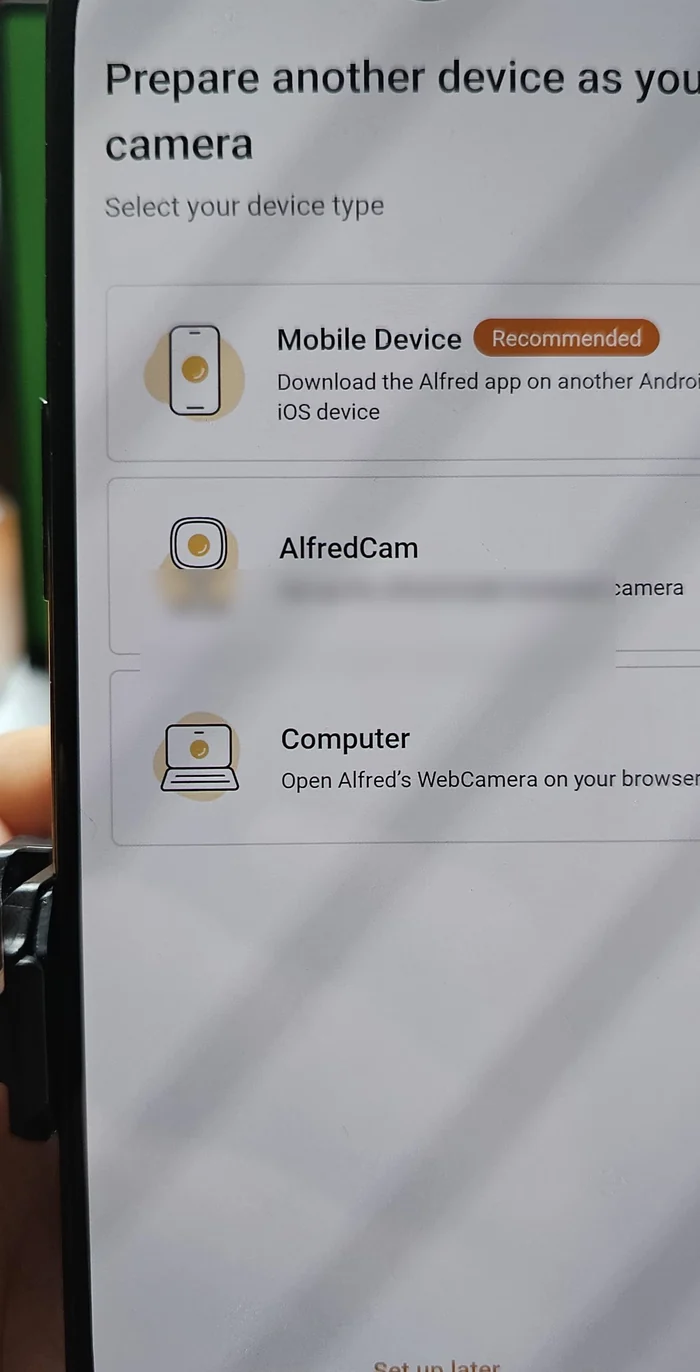
Alfred Camera vs Farscope, side by side
Current Alfred plan and account facts checked against official AlfredCamera documentation on September 24, 2026. Hands-on observations are from my own testing.
Questions people ask
Is Farscope a real Alfred Camera alternative?
Does Alfred's free plan contain ads?
What does Alfred put in Premium?
Where does Farscope store my video?
Does Farscope require an account?
Also comparing options? See how Farscope stacks up against WardenCam.
A camera that isn't fighting for your attention
Farscope turns your old phone into a private home camera. Local use is free, recordings stay on the camera phone, there are no ads, and permanent remote access uses a one-time Owner Pass. Join the early access waitlist.
Join Early Access